A step-by-step phonics program with a private script for you, live letter tiles and handwriting for your learners, and a placement test that tells you where to start. One click and your students are in. For classroom teachers, tutors, specialists and homeschool parents.
The same lessons, the same script, whether you teach a reading group, one tutoring client, a child who needs extra support, or your own kids at the kitchen table.
Run small reading groups while the rest of the class works. Teach 2 to 4 students at once, see each child's tiles live, and keep a record of every lesson. Use the placement test to sort new students quickly.
Walk in with a ready-made, step-by-step plan for every session. Place a new client in minutes, teach in person or over video, and see exactly which words are mastered and which still need work.
Small-group and one-to-one instruction with a clear, systematic sequence. Mastery checks on every word, a Second Chance for tricky ones, and review built into every lesson. Skip what students already know and repeat what they do not.
You do not need a teaching degree. The script tells you what to say and what to do, and the app keeps track of where your child is. Sign up free, verify as a homeschool parent, and make your first group.
New to ZoodleBug? Start here: it takes a few minutes and asks one question at a time.
Every lesson follows the same five steps, so you and your students always know what comes next. Your script is on your screen only; students see their own tiles.
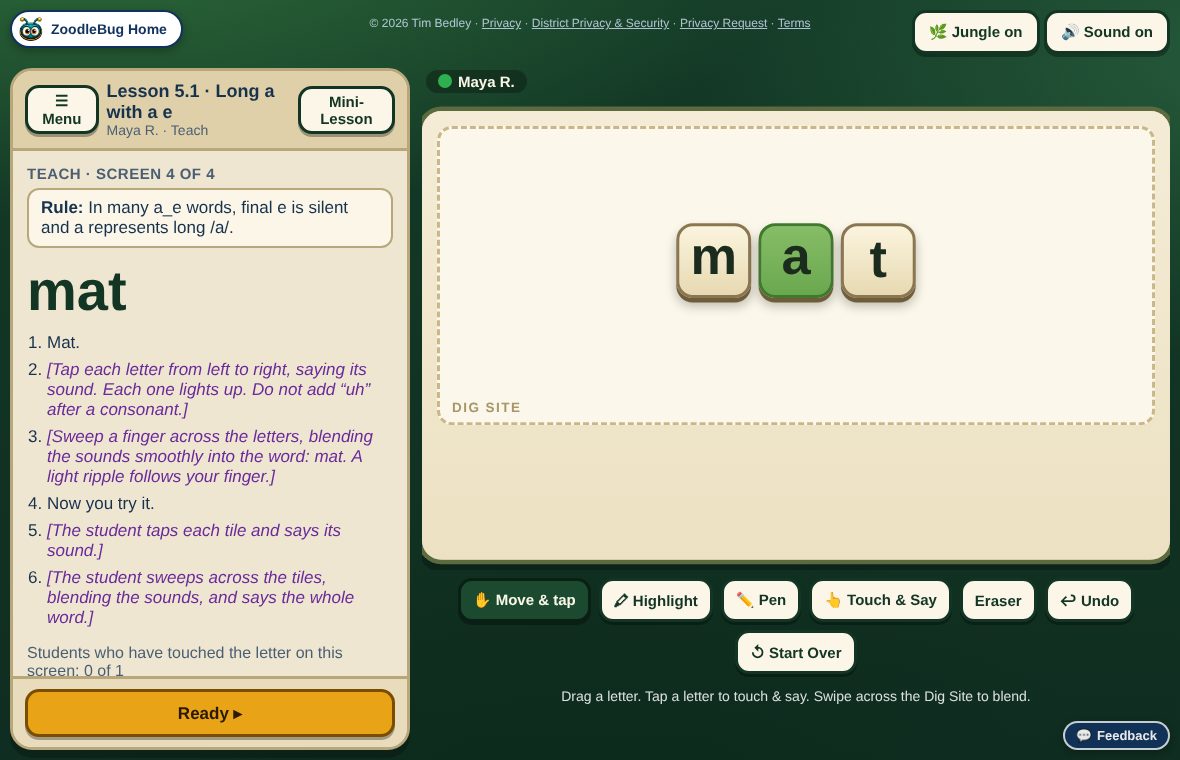
Model each sound and word. The tiles light up as you tap them, then the student taps and says the sounds and blends the word.
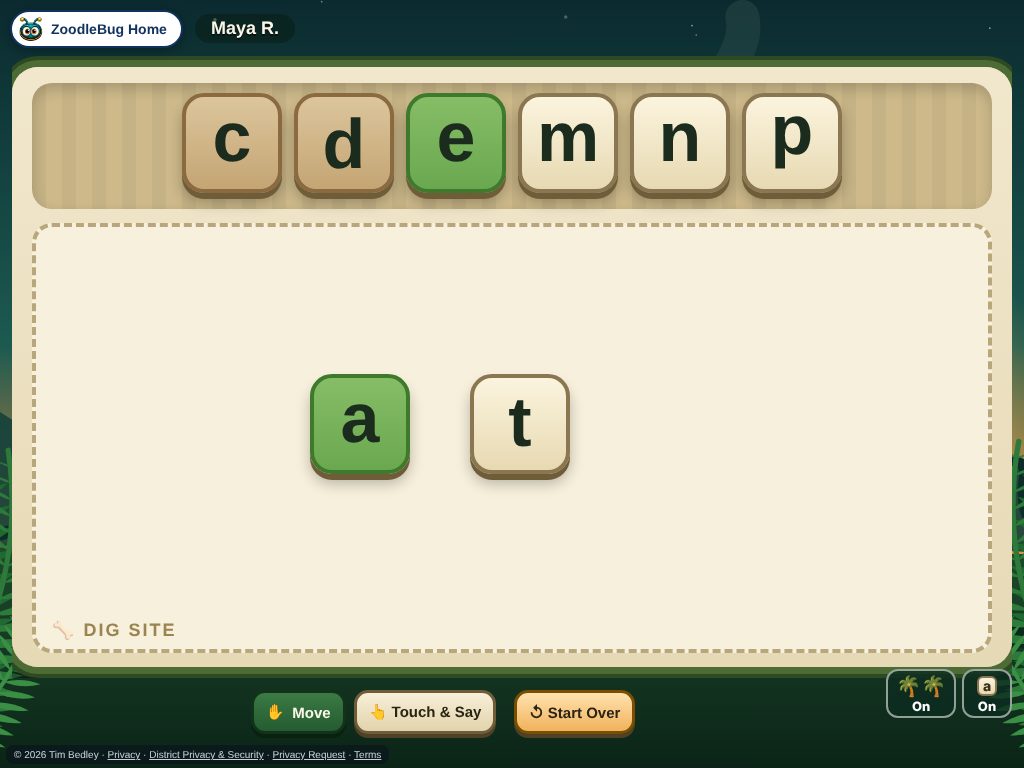
Students build words with letter tiles in the Dig Site. You see their work live and rate each word.
Students write the word by hand with a finger or stylus. You watch on your screen, and support fades as they master it.
Words that were hard come back for another try before the lesson ends.
The student reads the whole list. You mark each word Got It, Challenging or Not Yet; the hard words carry over to the next lesson.
You teach from a private script with the exact words to say and the actions to take. Each student works on their own tablet or computer.


129 lessons in 10 units, from single letter sounds to blends, silent e, vowel teams and r-controlled vowels. Every lesson uses the same routine.
A lesson is finished when the words are easy. Rate each word Got It, Challenging or Not Yet; anything that is not green comes back.
Every lesson mixes in words from earlier lessons, so what students learned last week keeps coming back.
Every lesson can start with a quick pre-test: the lesson’s reading list. If a student reads 90% or more with ease, the app suggests skipping the lesson. If a lesson ends with under 70% Got It, it suggests repeating it, and you choose when. You always decide.
Start anywhere. The student reads sets of 5 words and the app suggests which lessons to do and which to skip. You make the final call.
Teach one student, or 2 to 4 students at once with a live view of each child's tiles. Use it in a classroom, a tutoring room, at home, or over a video call.
When you start a lesson, a Join button lights up on your students’ ZoodleBug home pages. They tap it and they are in. Students come from your class or group list, so there are no new accounts or email addresses to set up.
Students earn Bones for finishing lessons and spend them in their own Dino Cave. Bones are a small celebration of each finished lesson.
Every lesson and test is saved, so you can see where each student is and what to practice next.
The full program, in teaching order. Each unit builds on the one before.
| Unit | What students learn | Lessons |
|---|---|---|
| 1 | Single-sound letter foundations: shapes, sounds and handwriting | 15 |
| 2 | Short and long vowel sounds; s, d/ed, c, g, y and qu | 24 |
| 3 | Short vowels and CVC words | 10 |
| 4 | Beginning and ending blends, qu | 10 |
| 5 | Final silent e, plus ee, ie and ue | 11 |
| 6 | Consonant digraphs: sh, th, ch, tch, wh | 12 |
| 7 | Consonant pairs: ll, ff, ss, zz, ck, ng, nk, kn, wr | 10 |
| 8 | Core vowel teams: ee, oo, ai, ea, oa | 14 |
| 9 | More vowel teams: ay, oy, oi, ow, aw, ew, ou | 13 |
| 10 | R-controlled vowels: ar, or, ir, ur, er | 10 |
Open DinoDecoder from the ZoodleBug home page with your educator account (teachers, tutors and homeschool parents all verify for free). Your classes and groups are already there.
Choose a student or a group, then a lesson, or take the placement test to find the right starting spot.
A Join button lights up on each student’s ZoodleBug home page as soon as you create the session. One tap and they are in. You are ready to teach.
You need one device for you and one for each student: a tablet, Chromebook or computer with a current browser. A touch screen is best for tiles and handwriting.
Teaching with DinoDecoder is part of ZoodleBug Max MAX. Learners never pay and never need a login of their own. See ZoodleBug Max. Not sure yet? Try the free demo with a pretend student first.
Yes. Sign up free at zoodlebug.com/start, choose Tutor or Homeschool parent, and make your first group. Your learners are added to the group, and you teach them exactly as a classroom teacher would. Teaching with DinoDecoder is part of ZoodleBug Max.
Lessons are small, repeatable steps with a Second Chance and built-in review, and you can slow down, repeat any lesson or skip ahead. You decide the pace. DinoDecoder does not diagnose or replace a specialist's plan.
One student, or a group of 2 to 4. You see each student's tiles live on your screen.
No email addresses. Students come from your ZoodleBug class or group list (for example, “Maya R.”). When you start a lesson, a Join button lights up on their ZoodleBug home page and one tap puts them in. See our privacy information.
Yes. The student taps Join on their own device and you teach from your screen exactly as you would in person.
Use the placement test. It reads the student's answers, then suggests which lessons to do and which to skip. One click applies the suggestion, and you can change it.
Always. The curriculum list lets you start anywhere, and you can skip or repeat any lesson.
Yes: download the one-page flyer to share with a colleague, your principal or families.
The demo shows both screens side by side: yours on one side, a pretend learner's on the other. It takes about two minutes.