Help your child become a confident reader
DinoDecoder is how your child's teacher teaches phonics: short, friendly lessons with letter tiles, handwriting and a dino-themed reward cave.
DinoDecoder is how your child's teacher teaches phonics: short, friendly lessons with letter tiles, handwriting and a dino-themed reward cave.
DinoDecoder is a phonics program your child's teacher (or tutor) uses with them, alone or in a small group. Phonics is the link between letters and sounds, and it is how children learn to read words they have never seen before. A teacher leads every lesson, so your child always has a real person to say "try that again" and "great job."
Lessons are short and always follow the same pattern, so your child knows what to expect.
The teacher shows a sound or word. Your child taps the letters, says each sound, and blends them into a word.
Your child drags letter tiles to build words on their own screen.
Your child writes the word by hand with a finger or stylus.
Your child reads a short list of words out loud. Words that were tricky come back next time until they feel easy.
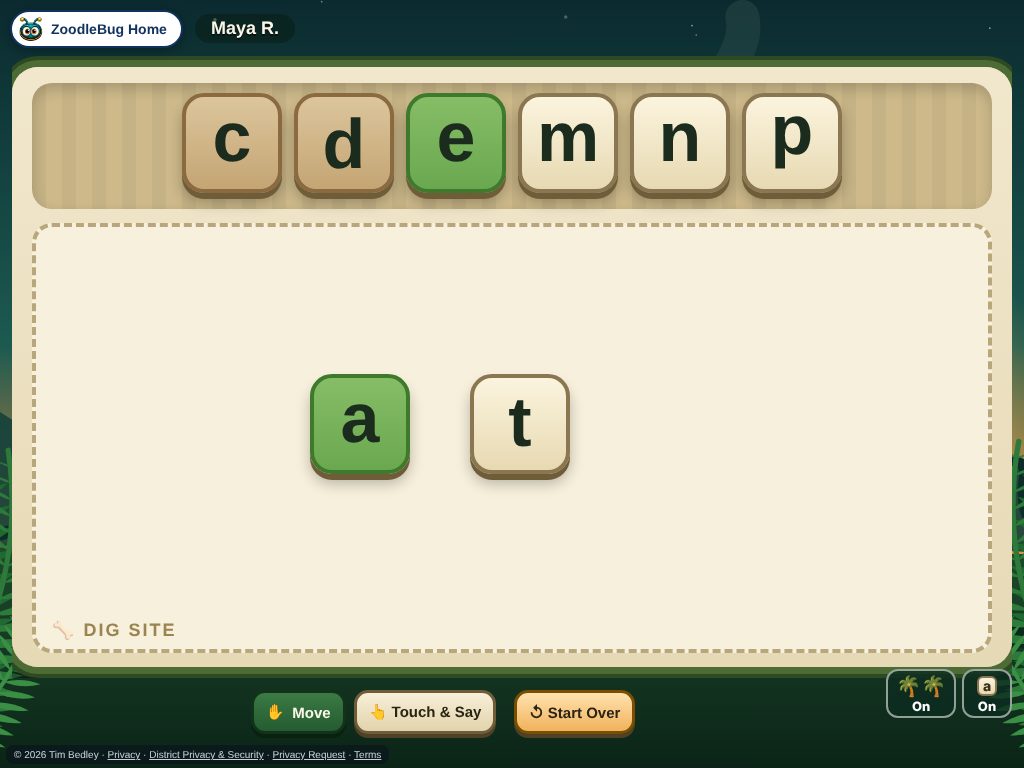
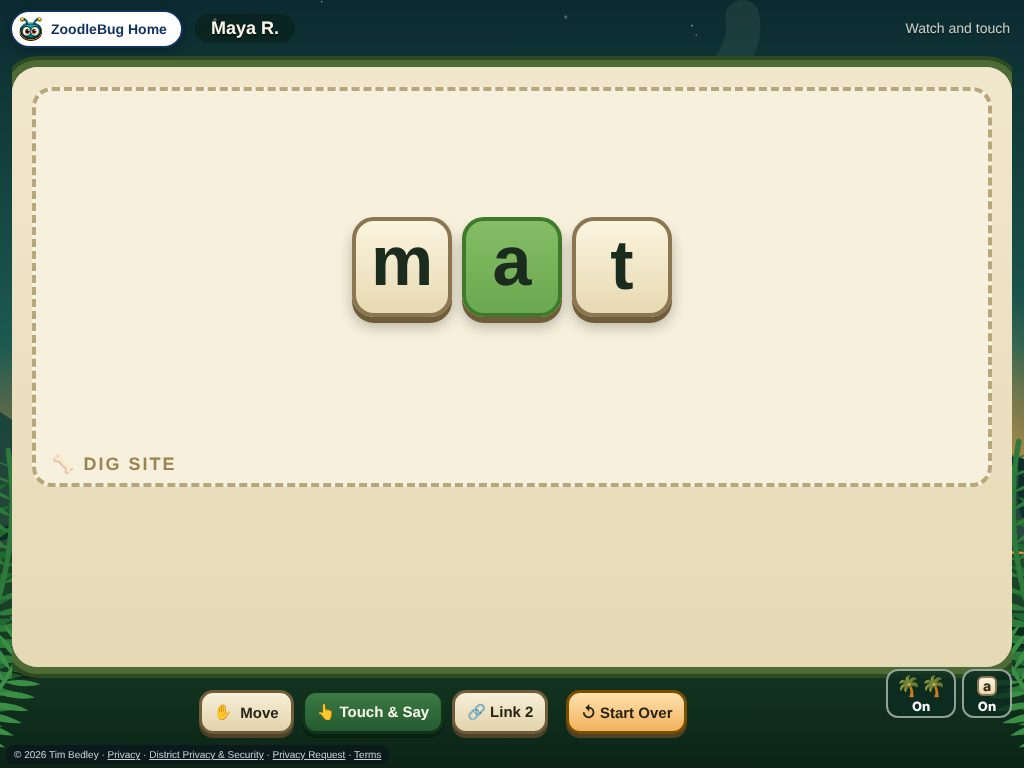
Each lesson mixes in words from earlier lessons, so learning sticks. Your child earns Bones for finishing lessons and spends them to decorate their own Dino Cave. It is a small celebration of each finished lesson.
Homeschool parents can teach DinoDecoder lessons themselves. The app gives you a script to follow and keeps track of where your child is. See how it works for homeschool families.
Ask your child to "teach" you the sound or word from today. Explaining it is great practice.
Use magnetic letters, tiles, or letters written on paper to build the words from the lesson. Say each sound, then blend them.
Ten minutes is plenty. Let your child sound out words they know how to decode, and read the tricky ones to them.
"You sounded that out all by yourself!" builds confidence, even when a word takes a few tries.
A few calm minutes beat a long, tense session. Stop while it is still fun.
Ask which sounds or words your child is working on now. The teacher can see exactly where they are.
Students join lessons from their teacher’s class list with one tap on a Join button, with no email address of their own. Lesson progress is saved so your child's teacher can see how they are doing. You can read how ZoodleBug handles information on our privacy page, and your child's teacher or school can answer questions about how it is used in your classroom.
No new account is needed. When the teacher starts the lesson, a Join button lights up on your child’s ZoodleBug home page and one tap puts them in.
A tablet, Chromebook or computer. A touch screen works best for tiles and handwriting.
Ask the teacher. They keep a record of every lesson and which words were easy or still tricky.
Here is the page for teachers, with a free demo.